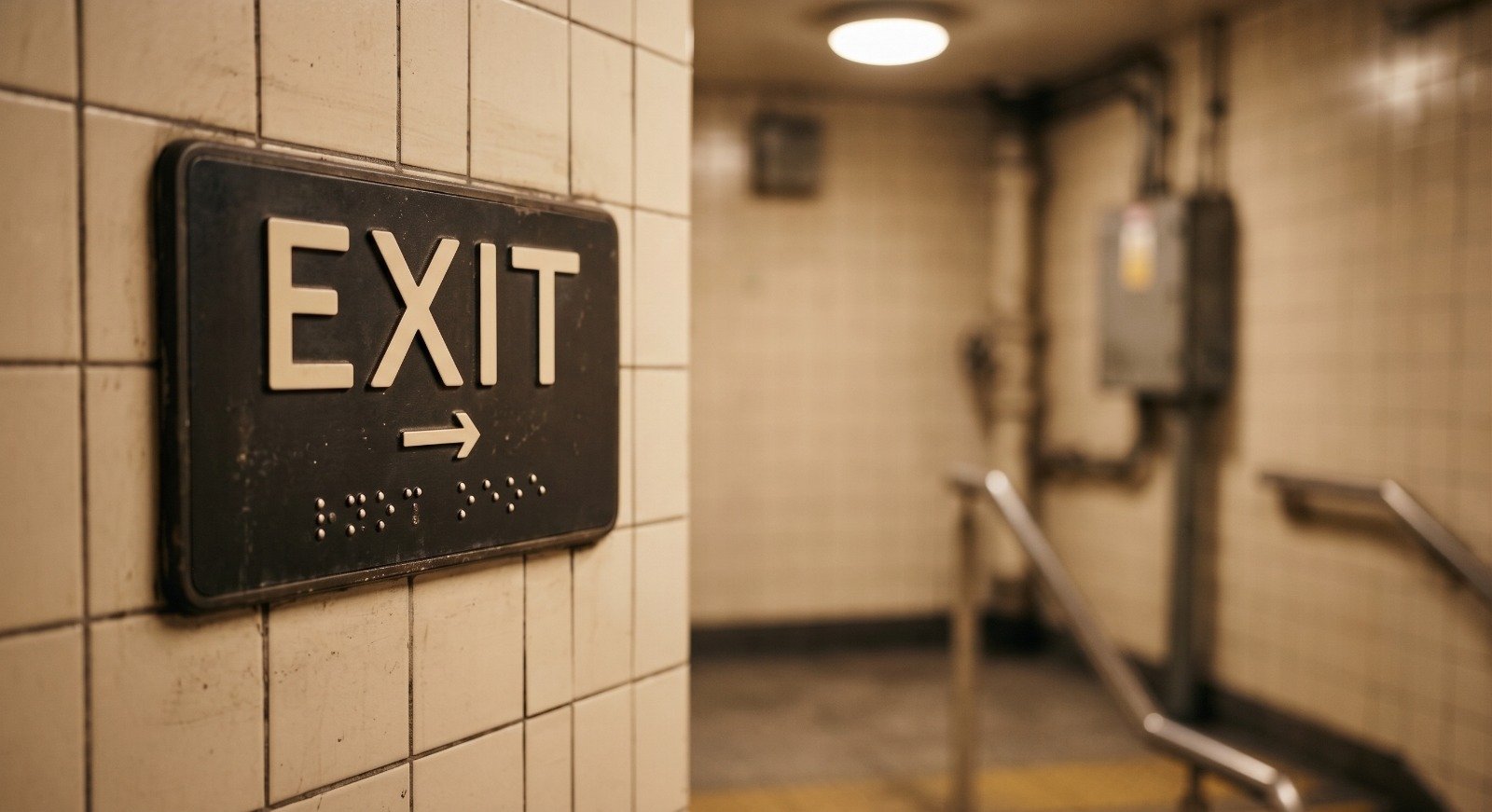
What makes stadium accessibility for blind and low-vision fans different from accessible seating?
Stadium accessibility for blind and low-vision fans is rarely about the seat. Accessible seating is well understood, well regulated, and usually well executed. The gap opens everywhere else in the building. A stadium is a large, circular, multi-level environment with repeating architecture, thousands of moving people, crowd noise loud enough to erase the audio cues a blind fan normally relies on, and signage that is almost entirely visual. Gates look like other gates. Concourses loop back on themselves. Restrooms, concessions, elevators, and ramps sit behind overhead signs placed well above eye level.
The result is a fan who can get to the venue and can sit in the right section, but who cannot independently decide to go get a drink at halftime, find the nearest restroom, or locate the elevator to the upper concourse without asking a stranger or waiting for staff. That is not a seating problem. It is an orientation problem, and orientation is what independence is made of. A great matchday experience means moving through the building on your own terms, at your own pace, the same way every other fan does.
What is talking signage?
Talking signage is audio wayfinding delivered through a person’s own smartphone. Instead of reading a printed or overhead sign, a blind or low-vision visitor hears their surroundings described out loud. As they move through a venue, an app announces where they are, what is around them, and which direction to go, giving them spatial orientation and environmental awareness without needing help from anyone else. Talking signage is RightHear’s term for this approach, and it sits inside the broader category of audio wayfinding.
The point is not to replace a cane, a guide dog, or a person’s own orientation and mobility skills. The point is to feed those skills the information sighted fans get for free from signs, so the visitor can build an accurate mental map of the building and act on it.
How does talking signage actually work inside a stadium or arena?
Two distinct technologies do two different jobs, and they should never be confused with each other.
The first is Bluetooth Low Energy beacons, which RightHear calls Accessibility Spots. These are small, unobtrusive devices installed at decision points around the venue. When a visitor’s phone comes into range, the app speaks the location description out loud, for example that the visitor is at the north entrance of the main concourse. Each Accessibility Spot carries one location description plus up to eight directional messages, so as the fan turns, the app describes what lies in each direction and how far away it is in feet. That 360-degree directional awareness is what turns a single announcement into a usable mental map.
The second is camera-readable high-contrast markers. These are printed markers placed at specific points, and the visitor points their phone camera at one to confirm they have reached that exact spot. Where a beacon gives an area its orientation, a marker confirms a precise location, such as a particular restroom door, a specific elevator bank, or one named gate among several. They are not QR codes and they are not a substitute for beacons. They are the confirmation layer.
Neither technology is indoor GPS, and neither gives turn-by-turn instructions. The system describes the environment and lets the fan navigate it. That distinction matters, because a description empowers a capable person to make their own route decisions, while a set of commands does not.
What does a real stadium deployment cover?
A serious installation follows the entire matchday journey rather than lighting up one lobby. In practice that means coverage at exterior approaches and drop-off points, main entrances and individual gates, ticketing and guest services, ramps and stairwells, elevators and their landings on every level, the full concourse loop, restrooms including family and companion restrooms, concessions and bars, merchandise areas, first aid, and the vomitories and portals leading down to seating sections.
Coverage is only half the work. The audio content has to be written the way a person would describe a place to a friend, with the landmarks and distances that actually help, and it has to be maintained as the venue changes. Vendors move. Gates get renamed. Sections get renumbered for a tournament. A deployment that is not updated becomes a deployment that lies, and a fan who is misdirected once stops trusting the tool.
Writing the audio is its own discipline, and it is where deployments succeed or fail. Good descriptions follow a consistent structure: name the place first, orient the listener second, then give the available options in a fixed order, so a returning fan hears the building described the same way on every visit and can rely on the pattern. They anchor to permanent landmarks rather than temporary ones, because a description tied to a sponsor banner stops being true the week the banner comes down. They give distances in feet and directions a person can act on while walking. They stay short enough to be heard over crowd noise and public address announcements. And they name things exactly the way the venue names them on tickets, on printed signs, and in staff training, so what a fan hears matches what a guest services employee will say if the fan asks.
Keeping that content current is an operating responsibility rather than a one-time project task. The practical approach pairs a scheduled review before each season with trigger-based reviews whenever the building itself changes: a concession vendor swap, a renamed gate, a renovated concourse, a section renumbered for a tournament or reconfigured for a concert. Give fans and guest services staff an easy way to report a description that no longer matches the building, and route every report to a named owner who can correct it before the next event. Content that is reviewed is content that gets trusted.
How does audio wayfinding support effective communication under the ADA?
Title III of the ADA expects places of public accommodation to communicate effectively with people with disabilities, and a stadium communicates constantly through visual signage. Audio wayfinding gives that same information in an auditory form, which is why it supports effective communication under the ADA and strengthens a venue’s ADA compliance efforts. It is a meaningful step, not a certificate. No technology guarantees compliance on its own, and a venue should treat talking signage as one part of a broader accessibility program that also covers staff training, accessible seating, ticketing, and policies.
Which venue proved this works at the professional level?
Houston Dynamo FC partnered with The Lighthouse of Houston and RightHear to make Shell Energy Stadium the first professional sports venue in North America with the RightHear accessibility system. The RightHear app, available on iOS and Android, provides real-time audio guidance to stadium areas including concourses, bars, food vendors, and seating sections, in up to 35 languages. As RightHear Co-Founder and CEO Idan Meir put it, “Our mission is to make the whole world more accessible, one building at a time.” Full details are in the Houston Dynamo FC press release on the RightHear installation, and there is also a YouTube feature video.
Why is this better for every fan in the building?
Talking signage is built for blind and low-vision visitors, and it is better for everyone. A first-time visitor who does not know the venue, a parent carrying a toddler and a tray of food, an older fan looking for the nearest elevator instead of the stairs, a visiting supporter who speaks another language, and anyone trying to find a restroom before the second half starts all benefit from clear spoken orientation. Multilingual support turns an accessibility feature into a hospitality feature. That is universal design working as intended: solve properly for the hardest case and the whole building gets easier to use.
The reasoning behind the investment is straightforward. A venue that works only for fans who can read its signs leaves part of its crowd dependent on staff attention, and staff attention is the scarcest thing in the building on matchday. Designing for independent movement is the point, and the improvement it creates reaches far beyond the fans it was designed for.
What should a venue do to get started?
Stadium accessibility for blind and low-vision fans starts with a walkthrough of the real matchday journey, from the parking lot and transit drop-off to the seat, marking every point where a fan has to make a decision. Bring in local blind and low-vision fans and a partner organization from the disability community early, because they will identify confusion points no site survey catches. Map Accessibility Spots to those decision points, add camera-readable markers where a precise confirmation matters, and write audio descriptions in plain language with distances in feet.
Then plan for the long term. Train guest services staff so they can tell a fan the app exists, promote it on the venue’s accessibility page and in pre-match communications, and assign someone ownership of keeping the content current through renovations, vendor changes, and tournament reconfigurations. How long the work takes depends on the size of the venue, how much of the fan journey is in scope, how many decision points need coverage, and how quickly the venue can review and approve the written descriptions. Writing and approving the content, not installing the hardware, is usually what sets the pace.
What if Signs Could Talk?